
The best Blender add-ons do not replace creative decisions. They remove repetitive setup so artists can spend more time on composition, animation, materials and storytelling.
That is also the purpose of a strong 3D asset library. A production-ready model, procedural effect or Blender VFX add-on should enter a real project cleanly, remain editable and help the artist reach a distinctive result faster.
This guide explains how to choose useful Blender addons and 3D assets, compares several procedural lightning tools, and looks closely at SEKAI Lightning FX—our stylized lightning generator for Blender, game art, motion graphics and animated VFX.
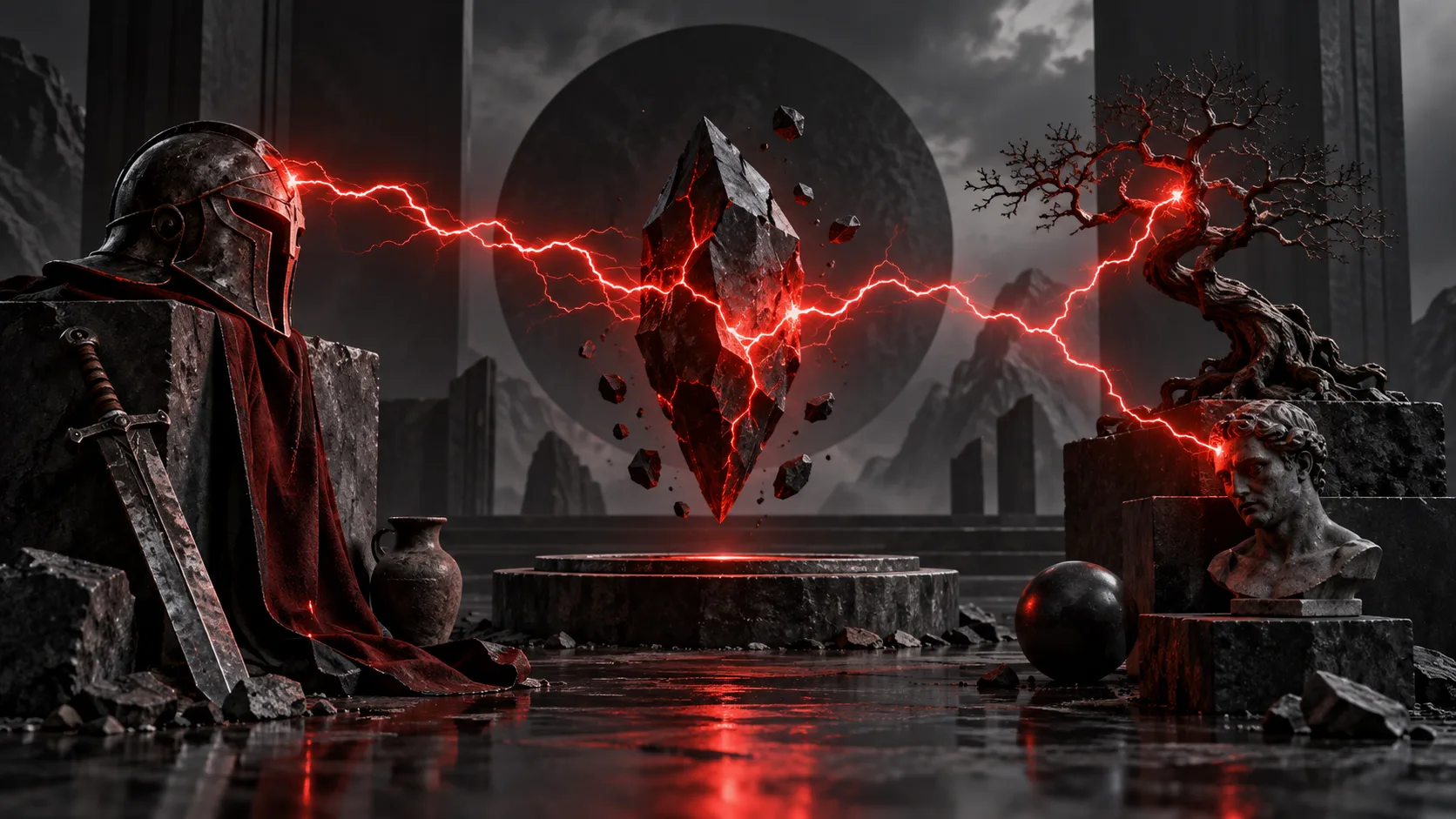
Featured illustration is concept art, not a screenshot of the Lightning FX add-on.
Quick answer: Choose Blender add-ons and digital 3D assets that are editable, compatible with your Blender version, clearly licensed and suitable for your export pipeline. SEKAI Lightning FX is a focused option for Blender 4.0+ artists who want procedural branching, automatic flicker, object targeting, stylized color presets and a Convert to Mesh workflow for Unity or Unreal Engine.
Key takeaways
- Blender addons save the most time when they automate a repeated technical task while preserving artistic control.
- Production-ready 3D assets should have clear formats, compatibility, licensing and an editable structure.
- SEKAI Lightning FX generates animated, procedural lightning for EEVEE and Cycles and can be converted to mesh for game-engine export.
- No lightning tool is best for every workflow: SEKAI favors fast stylized VFX, while other tools may favor older Blender versions, multiple generator types or deeper Geometry Nodes control.
- Free Blender assets are useful for testing a creator’s quality and pipeline compatibility before buying premium tools.
What are Blender add-ons and digital 3D assets?
A Blender add-on is a tool that extends Blender with a new workflow, interface or automated process. Add-ons can assist with modeling, animation, rigging, lighting, rendering, geometry nodes, visual effects, asset management and export.
A digital 3D asset is a reusable production element. When evaluating Blender 3D assets or 3D assets for games, confirm that the scale, topology, UVs, materials, file formats, and license match the intended pipeline. This category includes:
- 3D models and environment kits
- Materials, shaders and textures
- Geometry Nodes systems
- Rigs and animation files
- VFX presets and procedural generators
- Blender add-ons and workflow utilities
- Game-ready FBX, OBJ, GLTF or Blend files
The difference matters. A static model gives you prepared geometry. A procedural Blender add-on can generate many editable variations from one system. Most professional pipelines benefit from both.
How to choose the best Blender add-ons for your workflow
“Best” should mean best for a specific production need—not the product with the longest feature list.
Before installing or buying a Blender add-on, check these seven points:
- Workflow fit: Does the tool solve a task you repeat often?
- Blender compatibility: Is your current Blender version explicitly supported?
- Editability: Can you change the result after generation, or is it locked into a preset?
- Render-engine support: Does it work with EEVEE, Cycles or the renderer your project uses?
- Export path: Can the result move safely into Unity, Unreal Engine or another DCC when required?
- Documentation and support: Are installation, controls and known limitations explained clearly?
- License: Does the license cover personal, commercial or studio use and the number of seats you need?
For 3D models, also inspect scale, topology, UVs, materials, polygon count and supplied file formats. A beautiful preview cannot tell you whether an asset will behave well inside an active scene.
SEKAI Lightning FX: a procedural Blender VFX add-on
SEKAI Lightning FX is a procedural lightning add-on made for cyber-grunge, anime, gothic, dark-fantasy and science-fiction visuals. It is designed to create high-energy electric effects without forcing artists to build and animate every bolt manually.
The current product documentation lists:
- Live controls for bolt length, roughness and thickness
- Branch-depth controls for simple or complex electrical shapes
- Horizontal and vertical edge-creation controls
- Automatic seed changes for animated lightning flicker
- Target-object attachment so a bolt can follow an object
- Adjustable glow intensity
- Five color presets, including Blood Red and Cyber Cyan
- Support for Blender 4.0 or later on Windows, macOS and Linux
- EEVEE and Cycles compatibility
- Convert to Mesh for FBX or OBJ export to Unity and Unreal Engine
These controls make the add-on useful for lightning strikes, electric characters, energy weapons, magical attacks, plasma effects, portals, title sequences, game trailers and motion graphics.
The practical advantage is iteration. If an effect needs a rougher path, stronger glow, deeper branching or a different color direction, the artist can revise the system instead of rebuilding the effect.
Explore SEKAI Lightning FX on the official product page.
For a product-focused explanation, see our existing guide to the SEKAI Blender lightning add-on.
Blender lightning add-on comparison
We compared the tools below by intended workflow, public feature documentation, Blender compatibility and how much direct control they expose. SEKAI Designs creates and sells Lightning FX; competitor details are based on their public documentation, not a single controlled performance benchmark.
| Tool | Best for | Main strengths | Consider before choosing |
|---|---|---|---|
| SEKAI Lightning FX | Fast stylized VFX, animation and game-export workflows | Live controls, automatic flicker, branches, object targeting, color presets and mesh conversion | Requires Blender 4.0+ |
| Electrify – Quick Lightning | Artists who need several construction modes or older Blender support | Simple, branched, random and low-poly lightning; broad version support; EEVEE and Cycles | Its wider control system may be more than a focused stylized shot needs |
| Draw Lightning Generators | Technical artists who want spatial Geometry Nodes control | Curve, surface and volume generators; attraction and repulsion options; reusable modifiers | Best suited to artists comfortable with curves, modifiers and Geometry Nodes |
| Procedural Lighting | Beginners testing a free procedural lightning setup | Free Blender 4.0+ Geometry Nodes file, curve-driven shaping and a base material | Supplied as a Blender setup rather than a dedicated add-on interface |
Which lightning generator should you choose?
- Choose SEKAI Lightning FX when you want a direct, stylized workflow with animation and game-export options.
- Choose Electrify when multiple construction types and older Blender compatibility are priorities.
- Choose Draw Lightning Generators when the effect must travel across a surface, occupy a volume or respond to detailed curve direction.
- Choose Procedural Lighting when you want a free Geometry Nodes starting point and are comfortable working inside the supplied Blender file.
The best Blender lightning generator is the one that matches the shot, technical pipeline and level of control you actually need.
Why procedural lightning is better than rebuilding every effect
Electricity needs controlled irregularity. A perfectly repeated bolt looks artificial, while a completely random shape can weaken the composition.
A procedural lightning system gives artists a useful middle ground:
- Speed: Generate variations without redrawing the entire bolt.
- Direction: Aim the effect toward a character, prop or environmental target.
- Animation: Create flicker and changing energy patterns across frames.
- Consistency: Reuse one visual language across a sequence or game ability.
- Art direction: Adjust thickness, branching, color and glow around the focal point.
This is where a focused Blender VFX add-on becomes more valuable than a library of fixed images. The system remains responsive to the scene.
Build a reusable library of 3D assets for Blender
One add-on cannot cover an entire production. The fastest workflows combine focused tools with a small, trusted asset library.
The current SEKAI 3D Assets & Blender Add-ons collection includes:
- Japanese Temple Building / Dojo: stylized architecture for anime-inspired, fantasy and virtual-world environments, supplied in FBX, OBJ and Blend formats.
- Dark Fantasy Scythe: a low-poly hero prop for games, character renders, promotional artwork and dark-fantasy scenes, supplied in FBX, OBJ and Blend formats.
- Low-Poly Hardcover Book: a free 3D model for testing a SEKAI asset in your own pipeline.
- Ultimate Lightning Streaks: a free high-resolution game-effects pack for creators who need ready-made electric visuals rather than a procedural setup.
These assets are starting points. Materials, lighting, camera choice, scale, atmosphere and animation still determine whether the final work feels generic or unmistakably yours.
Free Blender assets versus paid Blender add-ons
Free Blender assets are valuable for learning, prototyping and compatibility testing. They can reveal whether a creator documents files clearly and whether the asset fits your version of Blender.
The best paid Blender add-ons justify their cost through repeatable time savings, editable output, reliable compatibility, and documentation that reduces production risk.
Paid Blender add-ons usually make more sense when:
- The task appears repeatedly across a project or studio pipeline
- Manual setup costs more time than the tool
- The controls support multiple shots rather than one fixed result
- Commercial licensing is clearly stated
- Updates, documentation or direct support reduce production risk
Price alone is not the useful comparison. Estimate how often the tool will be used, how much setup it removes and how easily the output can be revised.
A practical Blender workflow for stylized VFX
Use this sequence to keep tools and assets in service of the artwork:
- Block the composition. Establish the camera, main silhouette and focal point before adding detail.
- Choose assets by function. Add only the architecture and props that strengthen the scene or story.
- Place the electrical relationship. Decide where the lightning begins, where it ends and what it communicates.
- Shape the bolt. Adjust length, thickness, roughness and branch depth around the composition.
- Animate intentionally. Use changing seeds for energy, but keep the timing readable around the main action.
- Balance emission and lighting. Preserve surrounding forms instead of allowing glow to flatten the scene.
- Validate export early. Convert procedural effects to mesh and test scale, materials and orientation in the target engine before final delivery.
This process protects the part that matters most: the artist’s decisions.
Frequently asked questions about Blender add-ons and 3D assets
What are the best Blender add-ons for 3D artists?
The best Blender add-ons solve tasks an artist repeats frequently while keeping the result editable. Useful categories include modeling, UV, rigging, animation, asset management, rendering, export and VFX tools such as procedural lightning generators.
What is the difference between a Blender add-on and a 3D asset?
A Blender add-on extends Blender with a tool or workflow. A 3D asset is reusable content such as a model, material, rig, texture or prepared node system. An add-on may generate new assets procedurally.
Is SEKAI Lightning FX a model or an add-on?
SEKAI Lightning FX is a procedural Blender add-on. It generates editable lightning effects rather than supplying only one fixed bolt or pre-rendered image.
Does SEKAI Lightning FX work with EEVEE and Cycles?
Yes. The current product documentation lists compatibility with both Blender render engines.
Can Blender lightning be exported to Unity or Unreal Engine?
Yes. SEKAI Lightning FX includes a Convert to Mesh workflow so generated geometry can be exported as FBX or OBJ. Test scale, orientation and materials inside the target engine before production delivery.
Which Blender versions support SEKAI Lightning FX?
The current documentation lists Blender 4.0 or later on Windows, macOS and Linux. Check the live product page before purchase because compatibility may change after updates.
Can SEKAI 3D assets be used commercially?
The Lightning FX product currently lists a personal-and-commercial license plus a studio-and-teams option for up to 10 seats. Review the license on each current product page before using an asset in client, commercial or studio work.
Are there free Blender assets from SEKAI Designs?
Yes. The current collection includes a free low-poly hardcover book and free high-resolution lightning streaks. These can help you test compatibility before adding premium 3D assets or Blender add-ons to your workflow.
Build faster without giving up authorship
Good digital 3D assets should create more room for original work, not make every result look the same.
SEKAI Designs builds focused tools and models for artists who want a faster route from idea to finished scene while retaining control over style, composition and delivery.
If your next Blender project needs animated electricity, Get SEKAI Lightning FX. For architecture, props and free Blender assets, browse the complete SEKAI 3D Assets & Add-ons collection.
Last fact-checked: September 20, 2026.